Recipe Book Maker: How to Turn Your Own Recipes Into a Cookbook
Making your own recipe book sounds like a design project. In practice, the design is rarely the difficult part.
The real work happens earlier: deciding which recipes belong, making the ingredient lists consistent, fixing vague instructions, choosing photographs, putting recipes in a sensible order and catching the little errors that become very obvious once everything is laid out like a book.
A good recipe book maker should reduce that repetitive work. It should help you build from recipes that are already structured instead of treating every page as a blank design canvas.
That matters whether you are making a family cookbook, a personal collection of reliable dinners, a gift, or simply a printable edition of the recipes you use most.
First decide what kind of recipe book you are making
Before you choose fonts or a cover, answer one question:
What is this book for?
A practical kitchen book and a keepsake are not edited the same way.
You might be making:
- a compact collection of weeknight dinners;
- a family cookbook with stories and older recipes;
- a baking book of recipes you have tested repeatedly;
- a holiday collection you print once a year;
- a gift for children moving away from home;
- a personal PDF you keep on a tablet and occasionally print.
The purpose decides what deserves space.
A kitchen reference benefits from short notes and clear instructions. A family keepsake may justify longer introductions and photographs. A gift book needs enough context that someone else can cook the recipes without calling you to ask what “a hot oven” meant.
If the main goal is family preservation, the dedicated guide How to Make a Family Cookbook covers collecting recipes from relatives and handling multiple versions in more detail.
A recipe book maker is easiest to use after the recipes are structured
There are two broad ways to make a cookbook.
The first is page-first: open a document or design tool, make a beautiful page, then type each recipe into it.
The second is recipe-first: keep the recipes as structured entries, clean them up once, select the ones you want, and then generate the book from that collection.
For more than a handful of recipes, the second approach is usually easier to maintain.
| Approach | Good at | Becomes difficult when… |
|---|---|---|
| Word/Google Docs | Total control over text | Many recipes need consistent formatting |
| Canva/design tool | Visual layouts and decorative pages | Ingredients or instructions keep changing |
| Individual PDFs | Fixed copies of single recipes | You want one coherent book |
| Structured recipe collection | Consistency, editing, reuse and export | You want a highly custom magazine-style layout |
There is no rule saying you must use only one tool. You can keep the recipes structured, export the practical book, and use a design program later if you need a highly decorative edition.
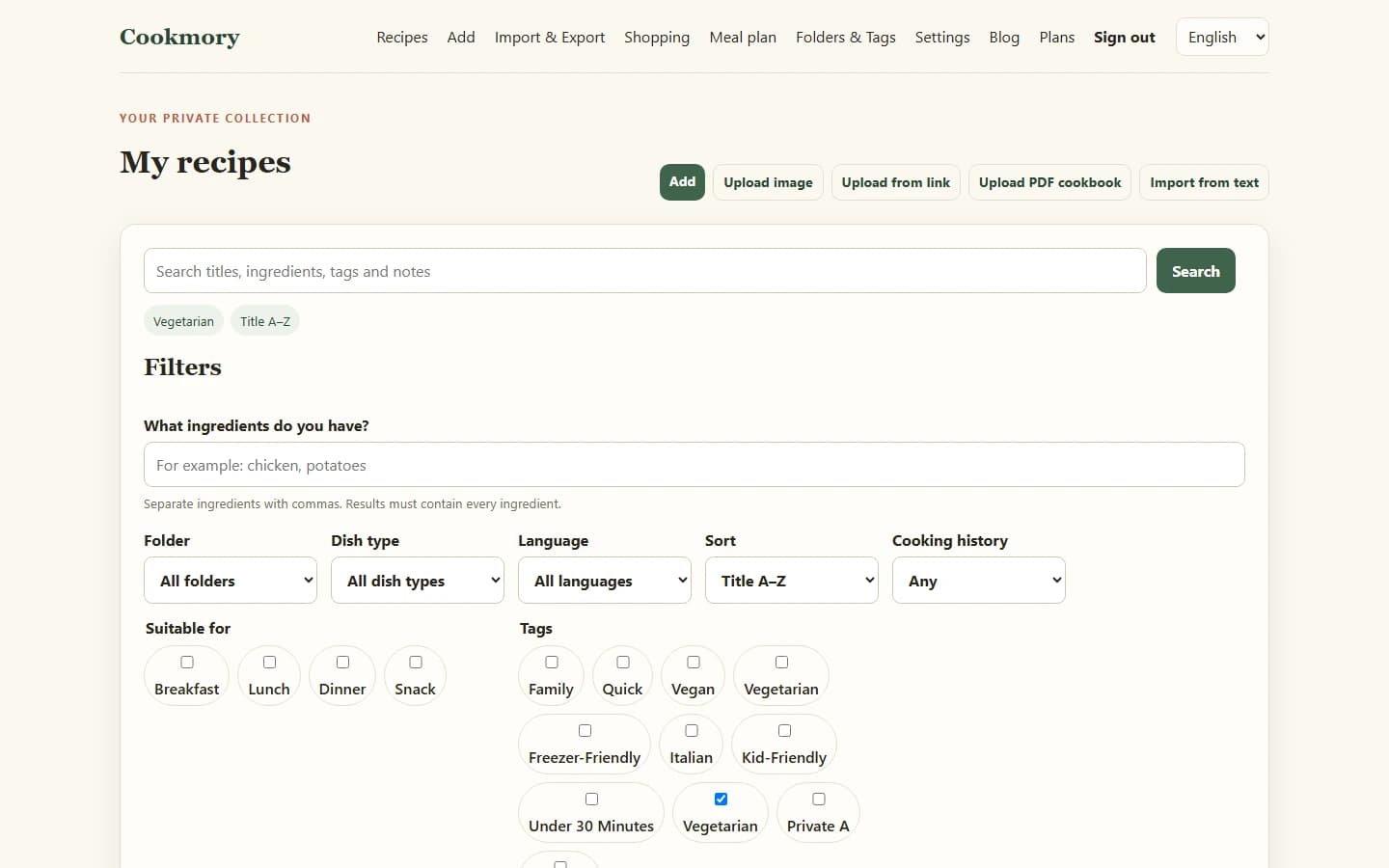
Step 1: choose the recipes before you design the book
A focused 30-recipe book is better than a 140-recipe book full of things nobody actually makes.
Start with a selection rule. For example:
- recipes cooked at least twice;
- family recipes with a known story or source;
- one reliable recipe for each common dinner category;
- only baking recipes you would confidently give to another person;
- recipes from a specific trip, season or year.
This makes editing much easier because every recipe has a reason to be there.
If your recipes are still scattered across links, photos, screenshots and PDFs, bring them into one collection first. This guide to importing recipes explains the cleanest starting point for each source.
Step 2: normalize the recipes before worrying about layout
Books make inconsistency visible.
One recipe says `200 g flour`; another says `1 cup of flour`; a third says simply `flour`. One uses numbered instructions; another is a paragraph. Temperatures alternate between Celsius and Fahrenheit without explanation.
You do not need to erase every personal quirk, but a book is easier to use when similar information appears in similar places.
Review:
- recipe titles;
- servings or yield;
- ingredient names;
- quantities and units;
- ingredient groups;
- oven temperatures;
- preparation/cooking times;
- step order;
- notes that are essential to success.
Pay particular attention to inherited recipes. “Bake until done” may be perfectly understandable to the person who wrote it and useless to everyone else.
Step 3: keep the voice, remove the ambiguity
A personal cookbook does not need to sound like a commercial publisher wrote it.
“Use Mum’s blue roasting dish” may be exactly the kind of detail worth preserving in a family copy.
But practical ambiguity should be fixed where possible.
Compare:
Add enough flour and bake in a hot oven.
with:
Add flour gradually until the dough is soft but no longer sticky. Bake at 200°C until deeply golden, about 25–30 minutes in our oven.
The second version still sounds personal. It simply gives the next cook a fighting chance.
When you are unsure, keep the original wording in a note rather than silently inventing precision that nobody actually knows.
Step 4: decide how photographs will earn their space
A recipe book does not need a photograph for every dish.
Use images when they add information or meaning:
- the finished dish is difficult to visualize;
- a shaping technique is easier to show than explain;
- the photograph is part of the family history;
- the dish is a centerpiece where presentation matters.
Skip a photograph if it is blurry, repetitive or purely decorative.
A clean page with a readable ingredient list is more useful than a crowded page with three average images.
If you are creating the book digitally first, keep the original photographs separately and crop copies for the layout. That preserves your options for a future edition.
Step 5: put recipes in the order people will look for them
Chronological order makes sense for a memoir. It is usually frustrating in the kitchen.
For a practical cookbook, categories are easier:
- Breakfast
- Soups & salads
- Weeknight dinners
- Baking
- Desserts
- Holidays
For a smaller themed book, an even simpler structure may work better.
Do not create a separate section for every four recipes. Too many dividers make the book feel larger without making it easier to navigate.
Step 6: create the book from the collection
Once the recipes are clean and selected, generating the book should be the easy part.
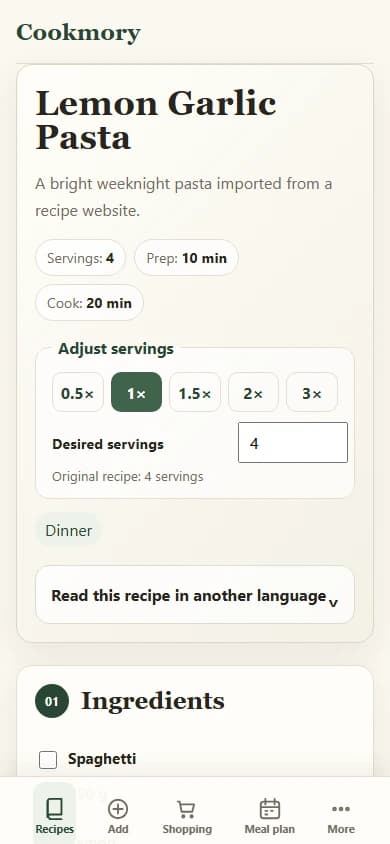
Cookmory can export a selected recipe collection as a PDF cookbook according to the current plan rules. That approach keeps the editable recipes separate from the fixed book: update the recipe in the collection first, then create a new edition when you need one.
This is different from turning one recipe into a PDF. If that is what you need, see Recipe to PDF: How to Turn a Recipe Into a Clean, Printable PDF.
For a book, the useful flow is:
structured collection → select recipes → review order/content → generate cookbook → inspect the PDF
Step 7: inspect the PDF like a reader, not like the person who made it
Do not assume a successful export means a finished book.
Open the PDF and check:
- the table of contents, if present;
- the first recipe in every section;
- the longest ingredient list;
- recipes with grouped ingredients;
- pages with photographs;
- the final page;
- any recipe that uses unusual characters, fractions or long notes.
Then print two or three representative pages at actual size.
A layout can look spacious on a large monitor and feel tiny on paper. Ingredient lines that barely fit on screen may wrap awkwardly when printed. A pale caption may disappear on an ordinary home printer.
A small print test is cheaper than discovering the problem after an entire book is printed.
Keep a digital master even if the final goal is paper
A printed cookbook feels permanent. Recipes are not.
Somebody will discover a better temperature. A surname will be misspelled. One recipe will turn out to be missing a step. A relative will send the photograph you had been waiting for.
Treat the structured digital collection as the master and the PDF/printed cookbook as an edition.
Add a simple version note if the book matters to your family:
Family Recipes — September 2026 edition
Now corrections can go into the master collection instead of being written into three different files.
What makes a personal recipe book feel finished?
It is not the number of pages.
A finished book is consistent enough that the reader stops thinking about the format and starts thinking about the food.
That usually means:
- every recipe has a recognizable structure;
- units are understandable;
- important notes are not buried;
- sources or family attribution are preserved where appropriate;
- section order makes sense;
- photographs are intentional;
- the PDF has been checked before printing or sharing.
Fancy typography cannot compensate for a missing oven temperature.
FAQ
What is a recipe book maker?
A recipe book maker is a tool or workflow that helps you assemble your own recipes into a consistent cookbook. The best approach depends on whether you want free-form page design or a structured collection that can be edited and exported repeatedly.
How can I make a recipe book from my own recipes?
Collect the recipes in one place, standardize the ingredient lists and instructions, choose the recipes that belong in the book, organize them into sections, add photographs selectively, and export a PDF or prepare the layout for print.
What is the easiest format for a homemade cookbook?
PDF is practical because it is easy to archive, send and print while preserving the layout. Keep an editable master collection elsewhere so future corrections do not require rebuilding the book from scratch.
Should every recipe in a cookbook have a photo?
No. Photographs should add useful information, context or meaning. A readable recipe without a photograph is better than a cramped layout built around an image that adds little.
Can I make a cookbook from recipes saved from websites?
You can build a personal collection from recipes you use, but preserve the original source and respect the rights of the original creators. A private personal cookbook is different from republishing someone else’s recipes or photography as your own commercial work.
What is the difference between a recipe book maker and recipe to PDF?
Recipe to PDF creates a fixed document from one recipe. A recipe book maker assembles multiple selected recipes into one coherent cookbook, usually with consistent formatting and an intentional order.
Make the editable collection first; make the book second
If you begin with page design, every correction becomes layout work.
If you begin with clean recipes, the book becomes an output rather than the only copy of your work.
Build the collection, cook from it, correct what you learn, and only then make the edition you want to keep or print.
You can build your recipe collection in Cookmory and check the current plans for PDF cookbook export when you are ready to turn selected recipes into a book.