Find recipes without hunting through tabs
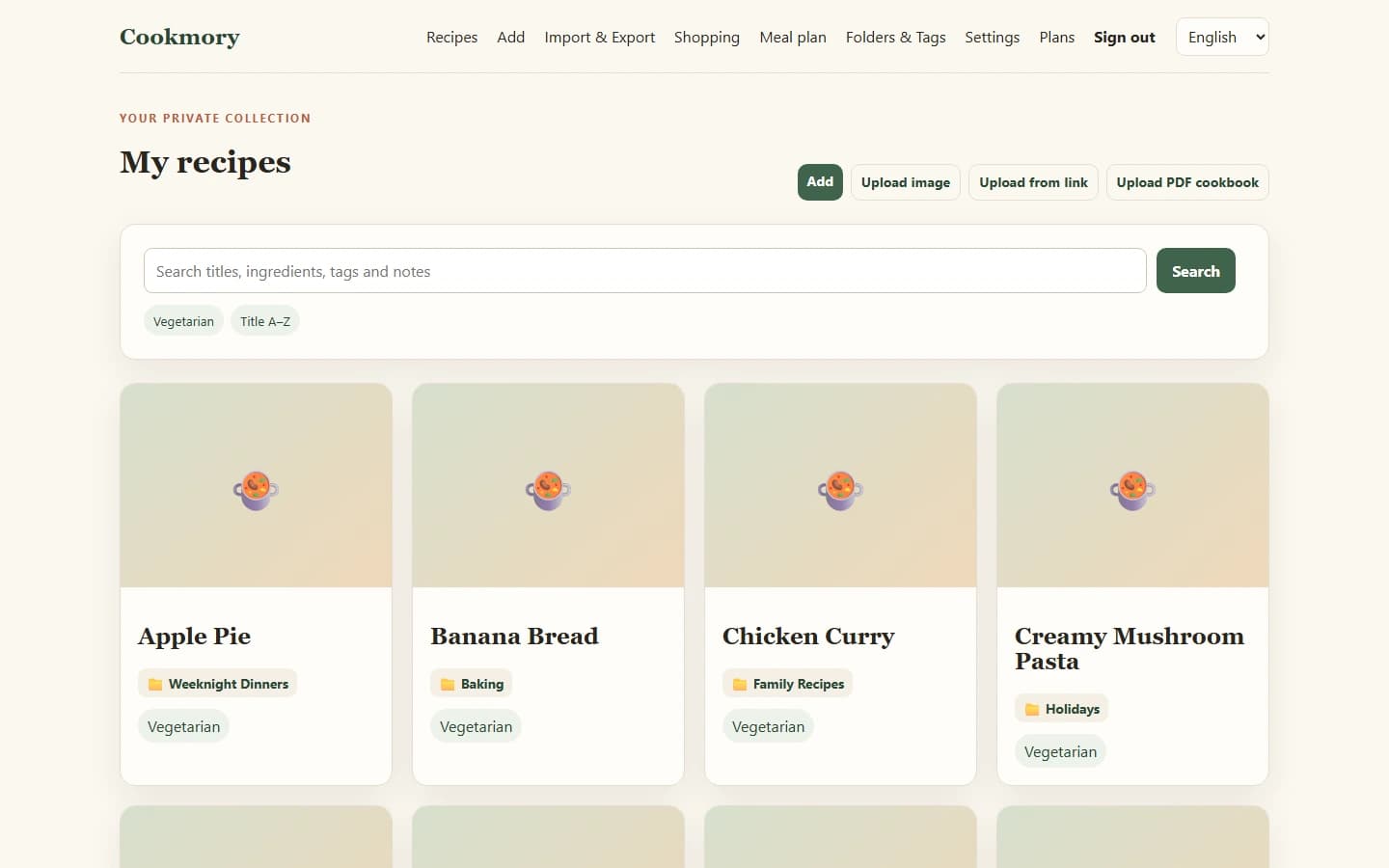
Search your Cookmory collection and organize recipes with folders and tags. Your favourite ideas have a place to live.
Found a recipe you'd like to cook? Click Cookmory in your browser to send the page straight to your recipe importer—no copying and pasting the link. Check the ingredients and instructions, then save the recipe in your own cookbook.
Available in English, Russian, and Spanish · Free plan available · No credit card requiredThe extension installs in desktop Chrome or Edge. Recipes you save remain available on your phone.

The extension saves you from copying the URL. You stay in control of the recipe that goes into your collection.
Find a recipe on a public website or food blog while browsing on your computer.
Cookmory opens its recipe importer with the current page link already passed in. There's no address to copy.
Check the ingredients, quantities, instructions, servings, and cooking times. Fix anything that needs attention and save the recipe to your cookbook.
One click starts the import. You choose what gets saved.
The extension is available from the official Chrome Web Store. Once it's installed, pin it so it's easy to find while browsing recipes.
Open the official Chrome Web Store listing and select “Add to Chrome”.
In Chrome, open the Extensions menu and pin Cookmory to your toolbar.
Open a public recipe page, click the Cookmory icon, review the imported recipe, and save it to your cookbook.
Using Microsoft Edge? You may also be able to install Cookmory from the Chrome Web Store by allowing extensions from other stores in Edge.
Bookmarks are useful for finding a page again. A personal cookbook is more useful when you're ready to make dinner.
Search your Cookmory collection and organize recipes with folders and tags. Your favourite ideas have a place to live.
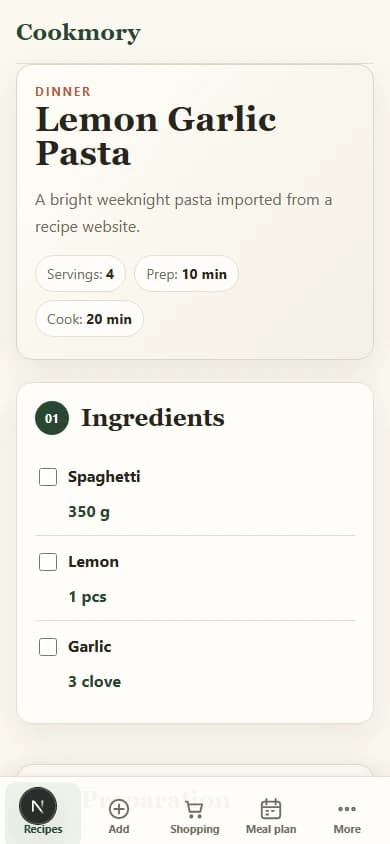
Review imported ingredients and cooking steps, adjust the details, and keep notes on what worked when you made it.
Open your cookbook on desktop or mobile, plan meals, and make shopping lists from recipes you've kept.
Cookmory turns a recipe link into an editable draft. Once you've checked it, your recipe lives in a collection you can search and cook from.
Many public recipe pages work well, especially when they provide structured recipe information. Others restrict automated access or leave out details. That means an imported draft may need a correction—or a particular page may not import by URL.
You can edit the draft before saving. If the link doesn't work, use Cookmory's regular import tools to add a recipe from text or a screenshot instead. Those are features of the Cookmory web app, not extra permissions in the browser extension.
Learn other ways to save recipes from websitesCookmory doesn't monitor the sites you visit or scan pages in the background. The extension uses the current tab's URL only when you click its icon, so Cookmory can open that page in its recipe importer.
You can try the importer before creating an account. Create a free Cookmory account when you are ready to keep a personal recipe collection. Paid features are optional.
The Free plan includes up to 50 saved recipes.
One click opens the Cookmory importer with the current page link. You then check and, if needed, edit the imported recipe before saving it to your cookbook.
No importer can guarantee that. Cookmory works with many publicly accessible recipe pages, but some websites block automated access or provide incomplete information. Always check the imported draft.
Yes. Review ingredients, quantities, cooking steps, servings, and times before saving. You can also organize the saved recipe in your Cookmory collection.
You can try importing without an account. To keep a personal collection of saved recipes, create an account; a Free plan is available.
Cookmory is distributed through the Chrome Web Store. Microsoft Edge can also install compatible Chrome extensions if you allow extensions from other stores.
No. The extension doesn't scan pages in the background. It passes the active tab URL to Cookmory only after you click the extension button.
Install Cookmory, open a recipe you'd like to make, and turn it into something useful in your own cookbook.